
Download GeoEnZo – Interactive Chalkboard, Geometry Tool, Scientific Calculator
Overview
GeoEnZo is a browser-based interactive tool designed to transform any device into a dynamic chalkboard environment. Its primary purpose is to facilitate visual learning and creative expression by enabling users to draw, write, and generate geometric shapes directly on-screen. This makes it particularly useful for educators delivering lessons, students working on math or science projects, and professionals conducting brainstorming sessions. The app addresses common challenges in digital teaching and note-taking by offering a seamless, intuitive interface that mimics the tactile experience of a physical chalkboard.
Target users include teachers, students, tutors, and anyone involved in visual or spatial learning. The platform’s lightweight nature and zero-installation requirement enhance accessibility, allowing immediate use across multiple devices without the need for downloads or setup. While the developer did not provide additional background information, the app’s design suggests a focus on educational utility and cross-device compatibility. Real-world use cases include classroom demonstrations, remote tutoring, concept mapping, and quick sketch-based problem-solving. In the broader app ecosystem, GeoEnZo fills a niche for simple, effective, and portable visual tools that prioritize functionality over complexity.
Key Features & Functionality
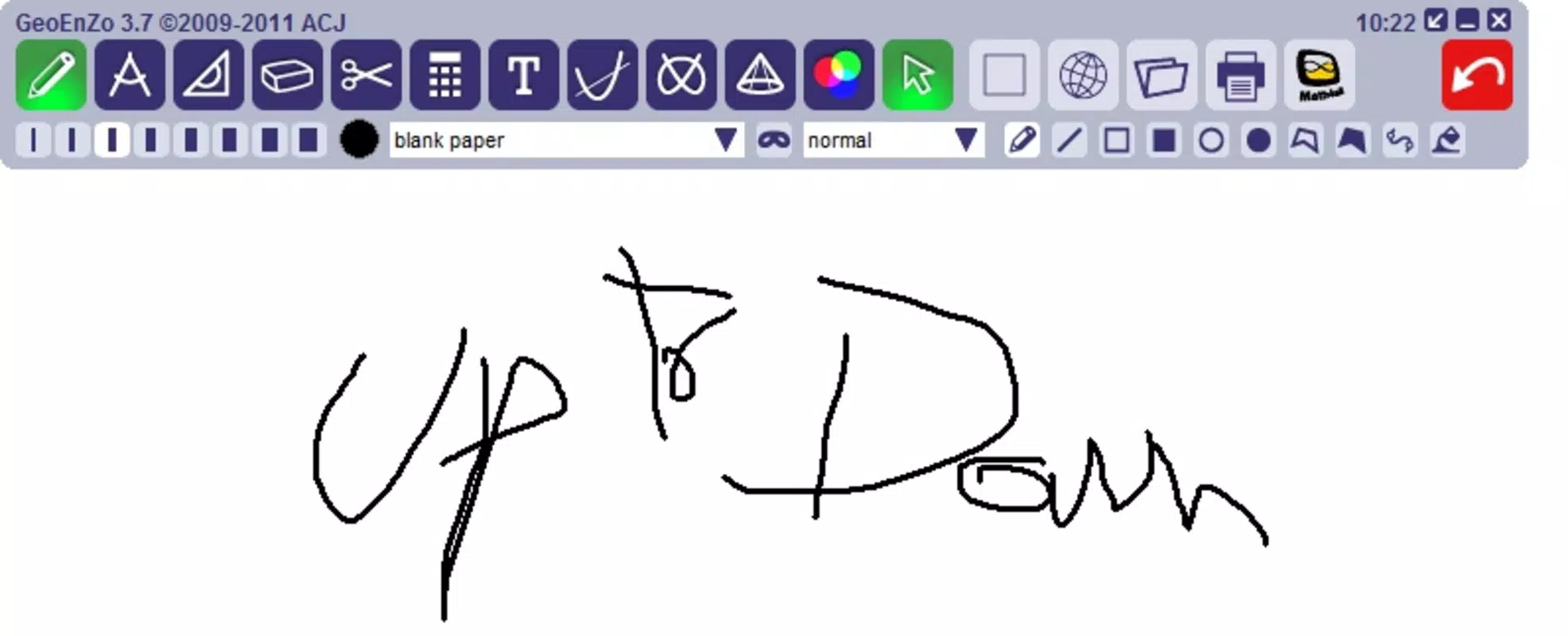
- Chalkboard Simulation: GeoEnZo replicates the feel of a traditional chalkboard, allowing users to draw and write freely with smooth, responsive strokes. This feature supports natural handwriting and sketching, making it ideal for teaching mathematical concepts or illustrating ideas during collaborative sessions.
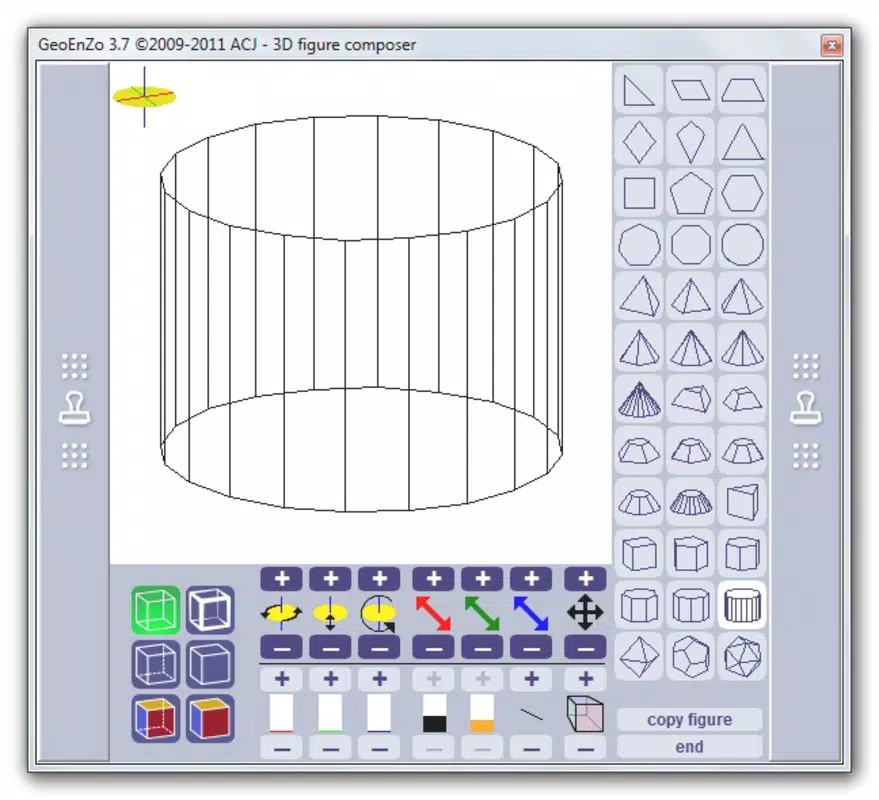
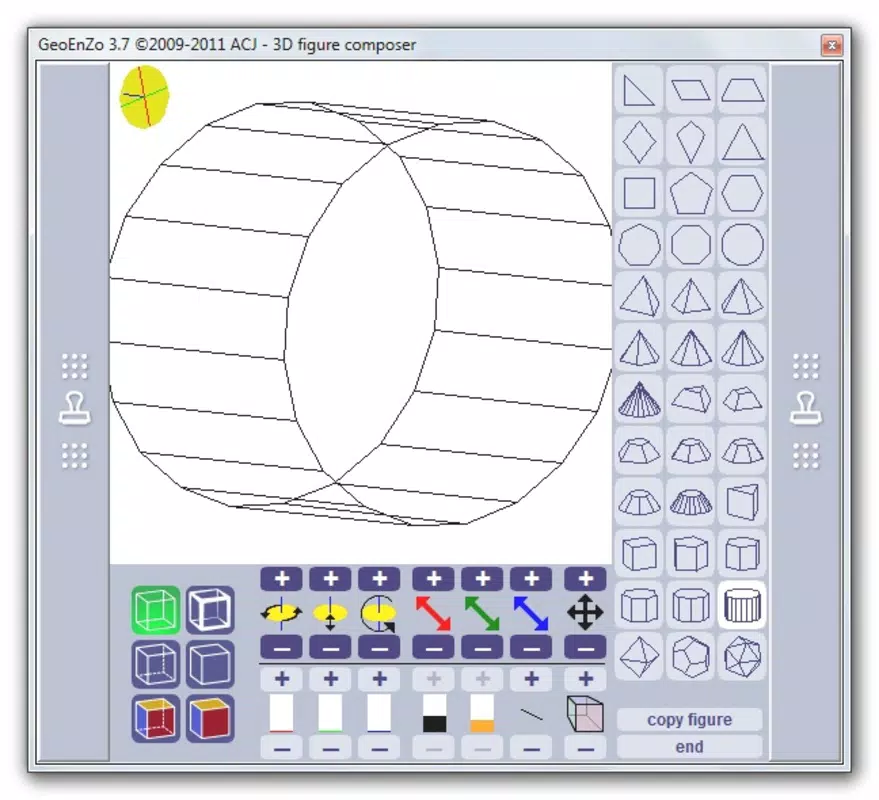
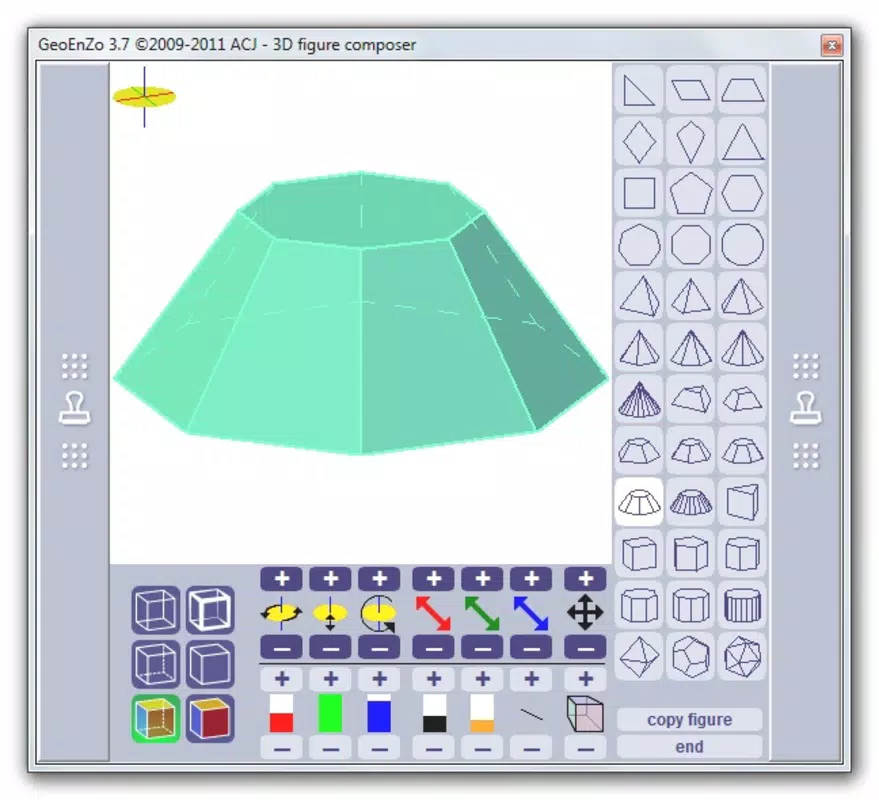
- Shape Creation: Users can generate geometric shapes with a single click and adjust their size, transparency, and position. This functionality supports precise visual demonstrations in subjects like geometry, trigonometry, and physics, where accurate representation is critical.
- No Installation Required: The app operates directly in the browser, eliminating the need for installation. This allows instant access from any device with internet connectivity, improving portability and reducing storage demands.
- Integrated Scientific Calculator: Built-in calculation capabilities enable users to perform complex mathematical operations without switching tools. This feature is especially beneficial for students solving equations or verifying results during problem-solving sessions.
For example, a teacher can use GeoEnZo to draw a coordinate plane, plot points, and calculate distances in real time. A student might sketch a triangle, adjust its angles, and use the calculator to verify trigonometric ratios. These use cases demonstrate how the app integrates multiple functions into a single, cohesive workspace.
Interface, UX & Performance
The interface of GeoEnZo is clean and minimal, prioritizing usability over visual clutter. The layout centers around a large canvas area where drawing and shape manipulation take place, with intuitive controls positioned at the edges for easy access. The visual style is functional and unobtrusive, ensuring that focus remains on the content rather than the interface itself.
Navigational flow is straightforward: users begin by selecting a tool (pen, shape, or calculator), then interact directly with the canvas. The app responds promptly to touch and mouse input, supporting both finger and stylus use. Although the developer did not list formal performance metrics, the app’s lightweight design suggests stable operation across a range of devices, including tablets, smartphones, and desktop browsers.
Responsiveness is maintained even when multiple shapes and annotations are present. Stability appears consistent during extended use, with no reported crashes or freezes. The absence of installation also reduces the risk of compatibility issues, making the app reliable across different environments.
Platform Compatibility & Technical Requirements
GeoEnZo is accessible via web browsers, meaning it operates on any platform that supports modern HTML5 and JavaScript. The developer did not specify minimum OS requirements, nor did they list exact file size or version details. However, the app’s lightweight nature implies low resource consumption, making it suitable for devices with limited storage or processing power.
Since it runs entirely in the browser, GeoEnZo does not require a dedicated app installation on Android, iOS, or desktop operating systems. This cross-platform availability enhances its usability for users who switch between devices. The release date of January 14, 2023, indicates that the tool has been available for over a year, suggesting a stable and tested core functionality.
Pros and Cons
Pros
- Runs directly in the browser without installation
- Lightweight and portable across devices
- Intuitive chalkboard-style drawing interface
- Supports geometric shape creation and customization
- Includes a built-in scientific calculator for on-the-fly computations
Cons
- Specific technical requirements were not listed
- Developer background and support details were not disclosed
- Performance on older devices was not verified
- Offline functionality was not confirmed
- File size and version details were not provided
FAQ
Is GeoEnZo free to use?
The pricing information was not disclosed. However, the app’s browser-based nature and lack of installation suggest it may be available at no cost.
Can I use GeoEnZo on my smartphone?
Yes, since GeoEnZo runs in a web browser, it can be accessed on smartphones with compatible browsers, provided the device supports modern web standards.
Does GeoEnZo require an internet connection?
Yes, because it operates in a browser without installation, an active internet connection is required to access and use the app.
Is there an offline mode available?
Offline functionality was not confirmed. The app relies on web-based execution, which typically requires online access.
How secure is GeoEnZo for educational use?
The developer did not provide details about data privacy or security protocols. Users should exercise caution when entering sensitive information.
Final Thoughts
GeoEnZo stands out as a practical and accessible tool for anyone needing a flexible, interactive canvas for teaching, learning, or brainstorming. Its combination of chalkboard simulation, shape creation, and integrated calculator delivers a unique value proposition in the educational technology space. The absence of installation requirements enhances its portability, making it ideal for quick sessions, remote teaching, or collaborative work across devices.
While some technical details remain unspecified, the app’s clean design, responsive interface, and focus on core functionality suggest a well-thought-out user experience. Educators and students alike will benefit from its ability to merge visual creativity with mathematical precision. For those seeking a secure, lightweight, and free-to-use tool for visual problem-solving, GeoEnZo offers a compelling solution.
Download GeoEnZo now


